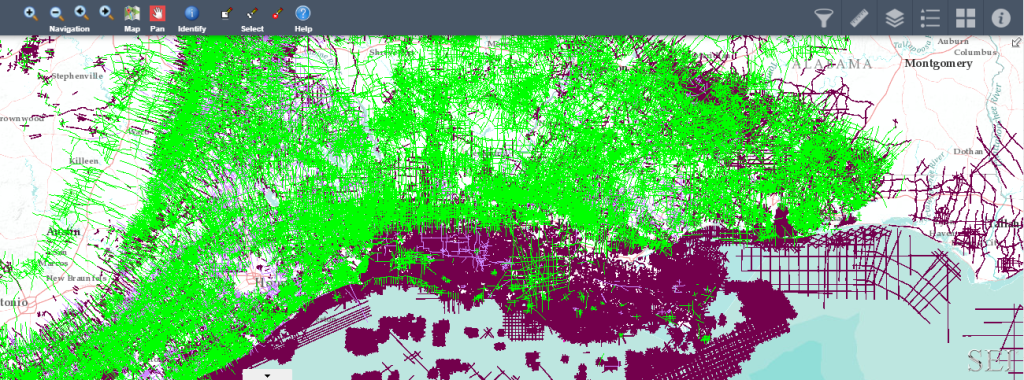
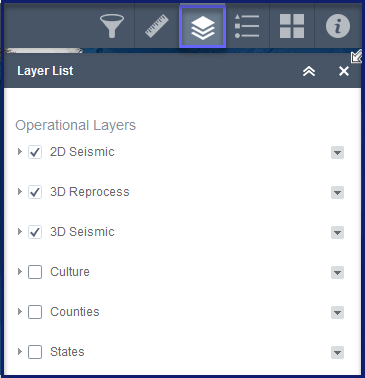
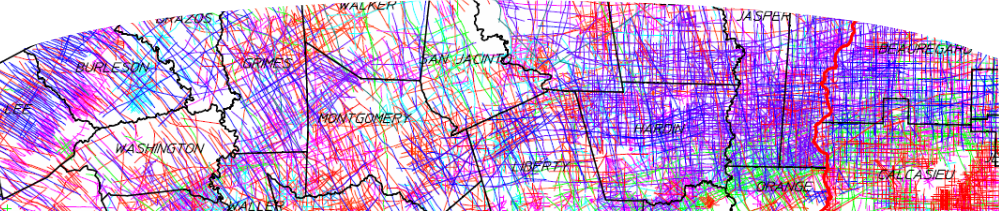
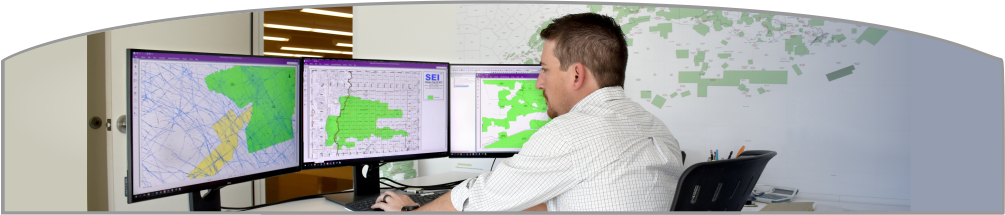
2. Select the ‘layers’ you would like to display on the map with the layer tool in the upper right corner.
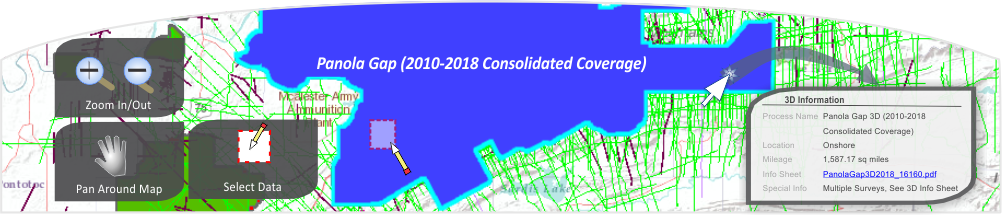
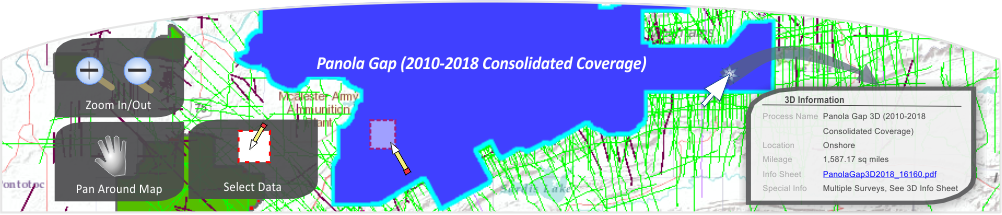
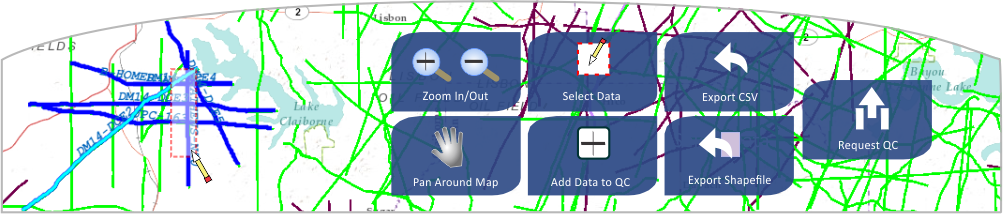
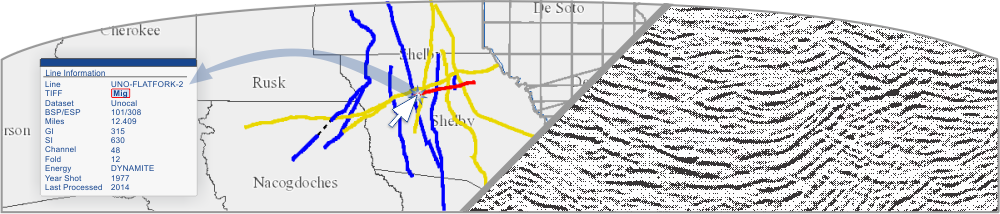
3. Use the map tools at the top of the map to zoom in and out, ‘pan’ or drag the map to your area of interest and select lines or surveys to view additional information.
Should you have any questions about using the interactive map or about our library, your marketing representive is just a phone call away. We also have a team of support staff ready to help you out.