Would you like to learn more about the SEI seismic data in your area of interest? We can help you with a QC session. Now that SEI has transitioned to a fully digital library, requesting a QC is quick and easy for you.
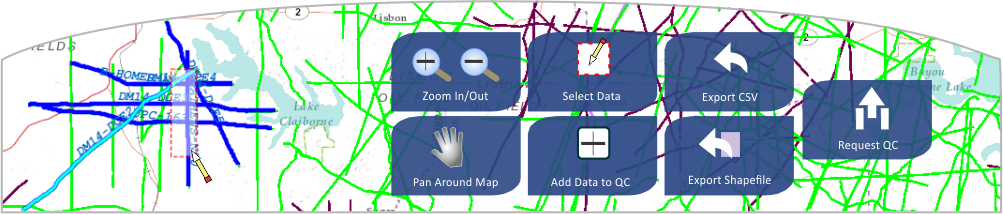
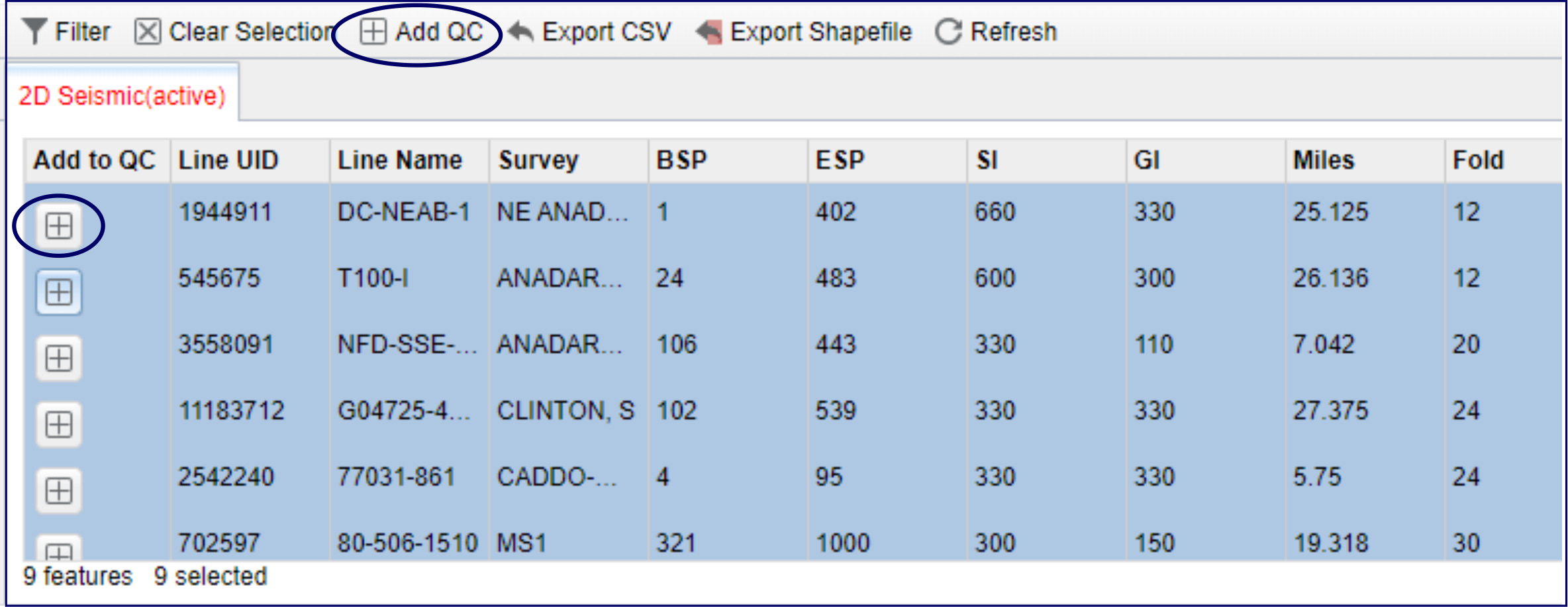
You’ve identified data in your area of interest that may be candidates for licensing using our interactive map. Requesting a QC is a only few steps away. Simply select the lines and/or surveys you are interested in and click the ‘Add to QC’ button.
Data Search Results
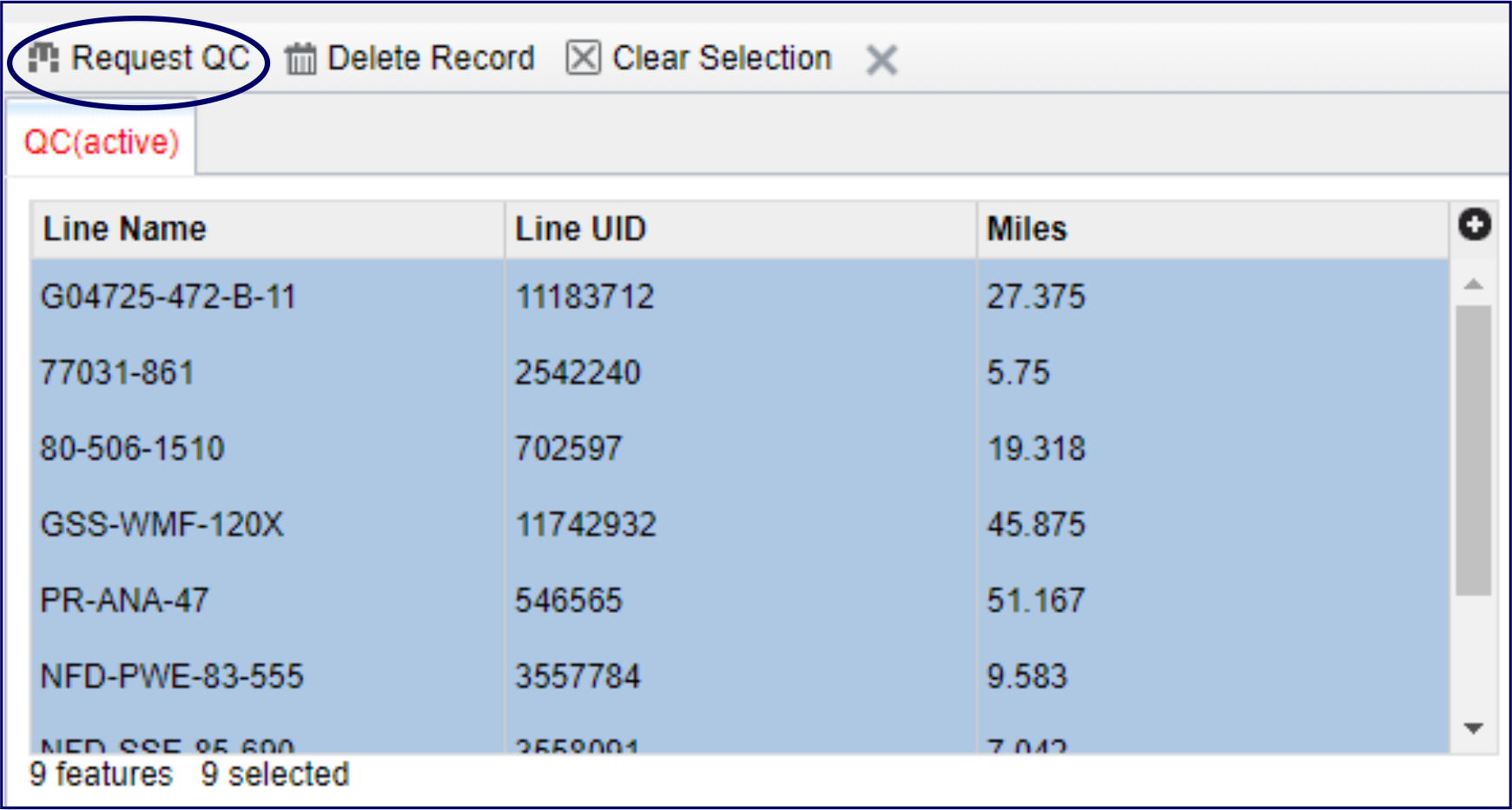
When you’ve added everything to the QC request panel, click the ‘Request QC’ button and follow the prompts.
QC Request Panel
Submitting a QC request from our interactive map works for both the 2D and the 3D data in our library. However, we find that many of our 3D clients prefer to use our interactive map to get familiar with the 3D data in their area of interest, and then work with their marketing representative to select which volume best meets their exploration needs.
Your SEI marketing representative and our QC coordinators are ready to answer all of your questions, help you find the data you’re looking for, and assist you in requesting a QC.